

Nunc brings calendar events, reminders, RSS posts, and plugin events to timeline and agenda views on iPhone and iPad, with iCloud sync for feeds and rules.
Nunc is available on iPhone and iPad. Calendar events, reminders, RSS posts, and plugin events appear together in a timeline or agenda list. Requires iOS 26 or iPadOS 26.
Your day at a glance
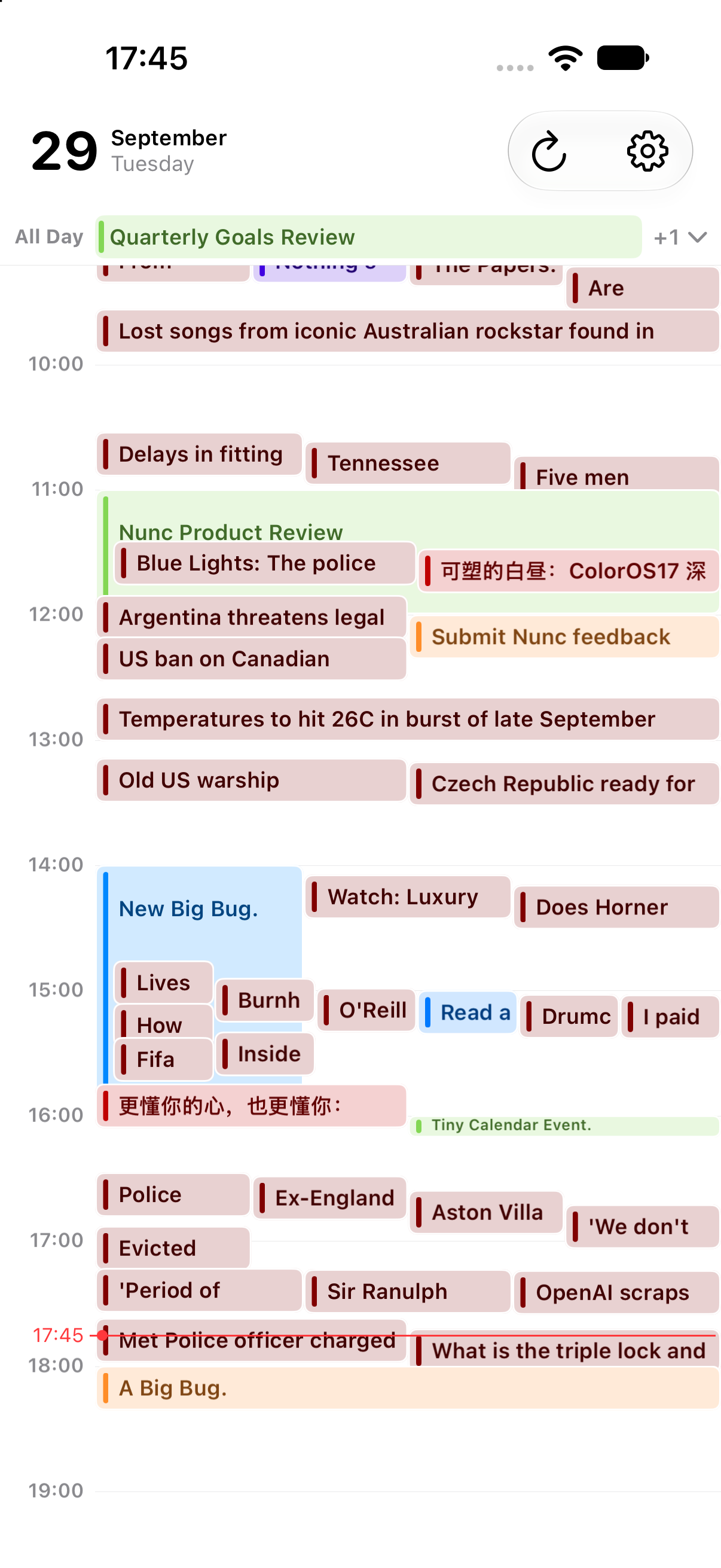
Events appear at their scheduled or published time, with a color for each source. All-day events sit above the hourly grid. Pinch to adjust the spacing when the day gets crowded.
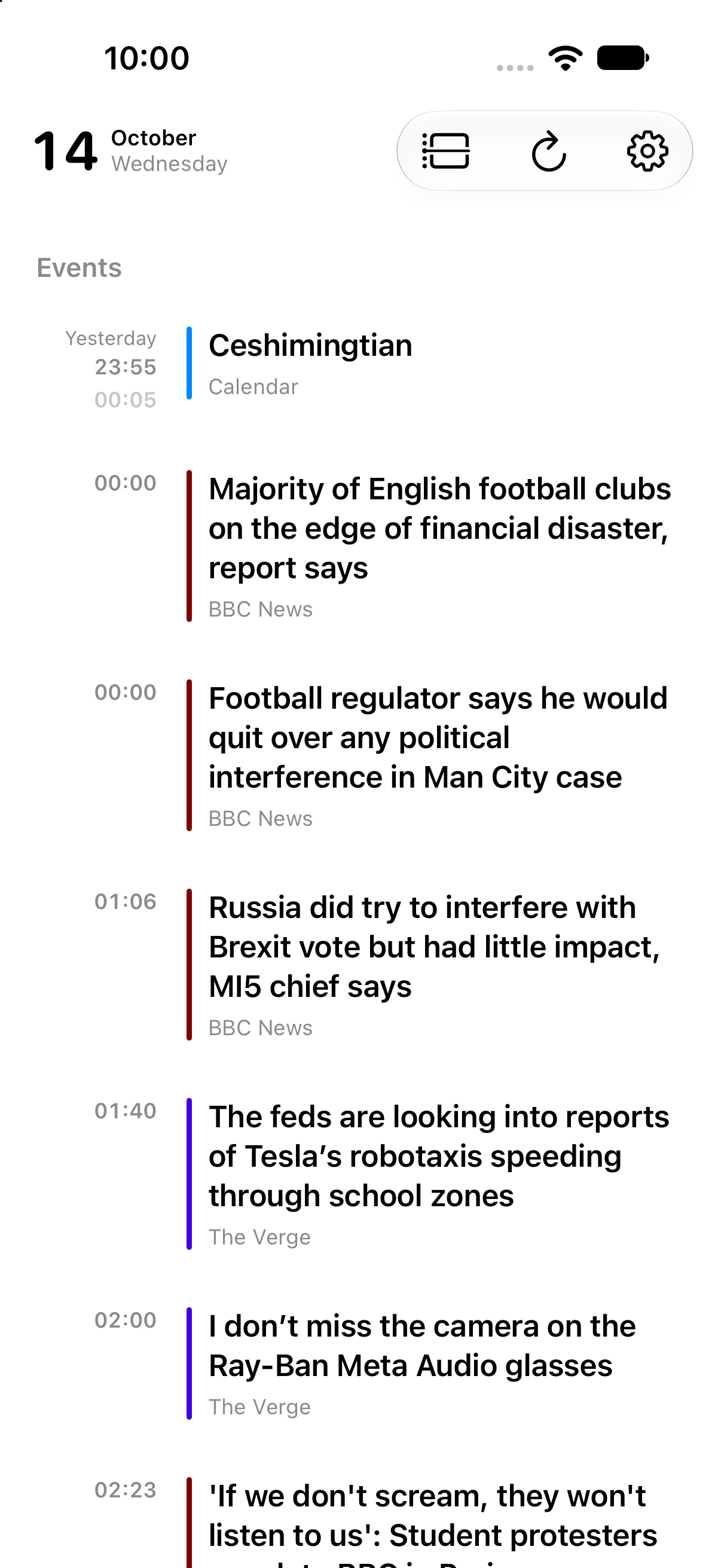
Switch to the agenda list from the toolbar to browse the day’s events and headlines. Each row shows the time, title, and source, with all-day events grouped separately.
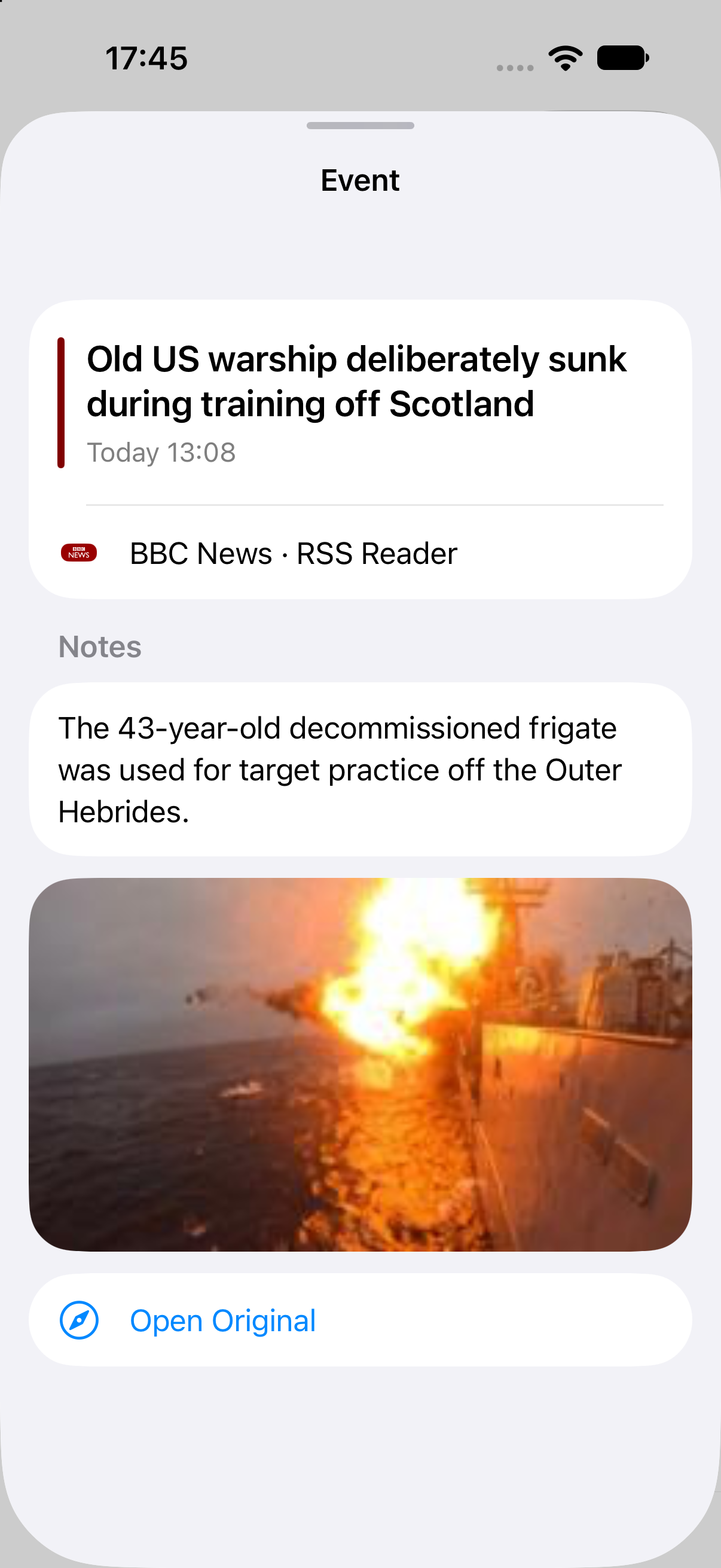
Tap an event to see its details, summary, and source link. On iPad, details open beside the timeline when the window is wide enough.
Read and translate
Articles open in an in-app Safari view, with Reader mode for supported pages and Safari’s page translation. You can also set web links to open directly when you tap an event.
Title translation puts headlines in your language on the timeline, using on-device translation or your configured AI model. The original title remains available in the details.
Plugins and rules
Install sources from the same Plugin Market as on Mac. Use rules to hide, pin, recolor, or change event text, and transfer rules and templates with SideScript import and export.
The app does not include a plugin script editor.
Keep your setup in sync
iCloud sync keeps RSS subscriptions, rules, and rule templates available across Mac, iPhone, and iPad. Enable RSS and rule syncing separately in Settings.