

Nunc's interface refresh: native-aligned layouts and visuals tuned for macOS 26, with before-and-after comparisons across key screens.
Nunc’s macOS 26 UI refresh updated core plugin and rules surfaces to feel at home on macOS 26: clearer hierarchy, updated materials, and controls that follow the system’s current design language. The screenshots below compare the earlier interface with the refresh. Later releases may differ.
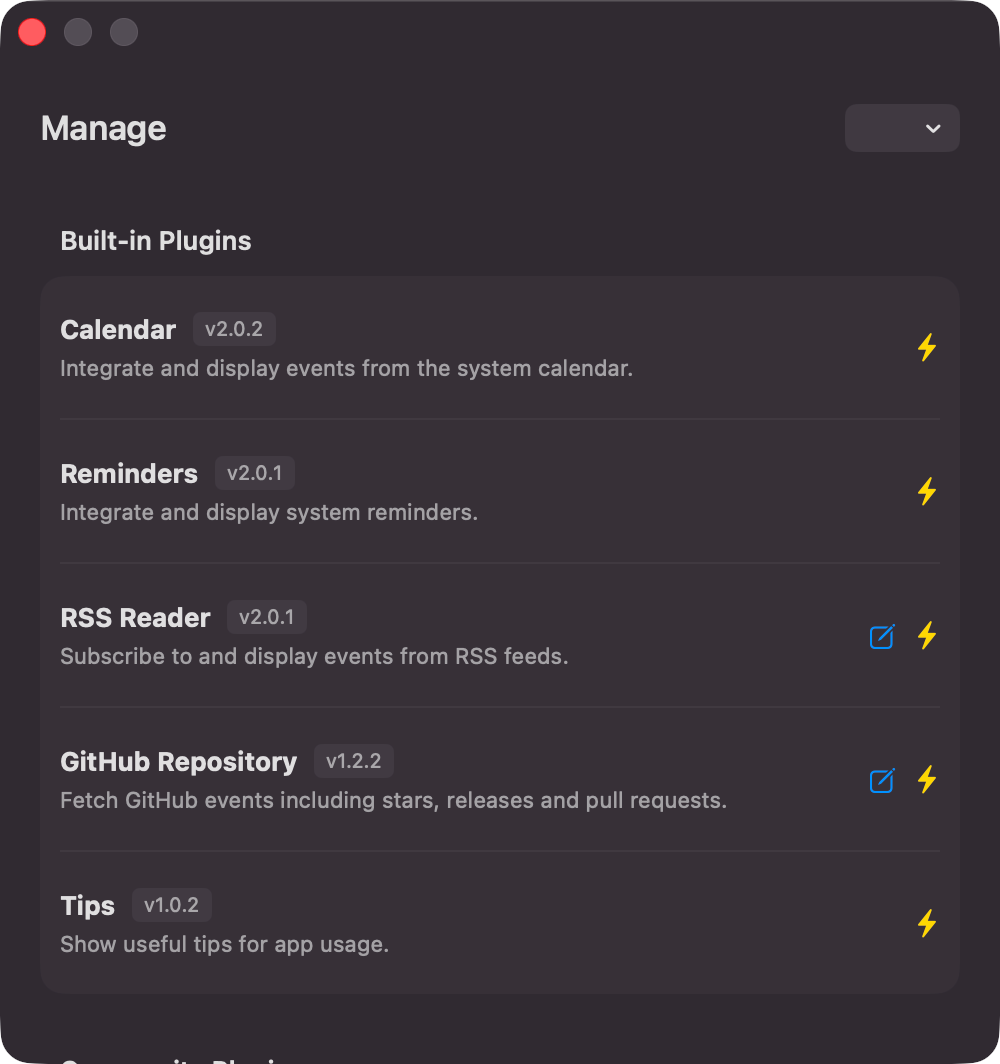
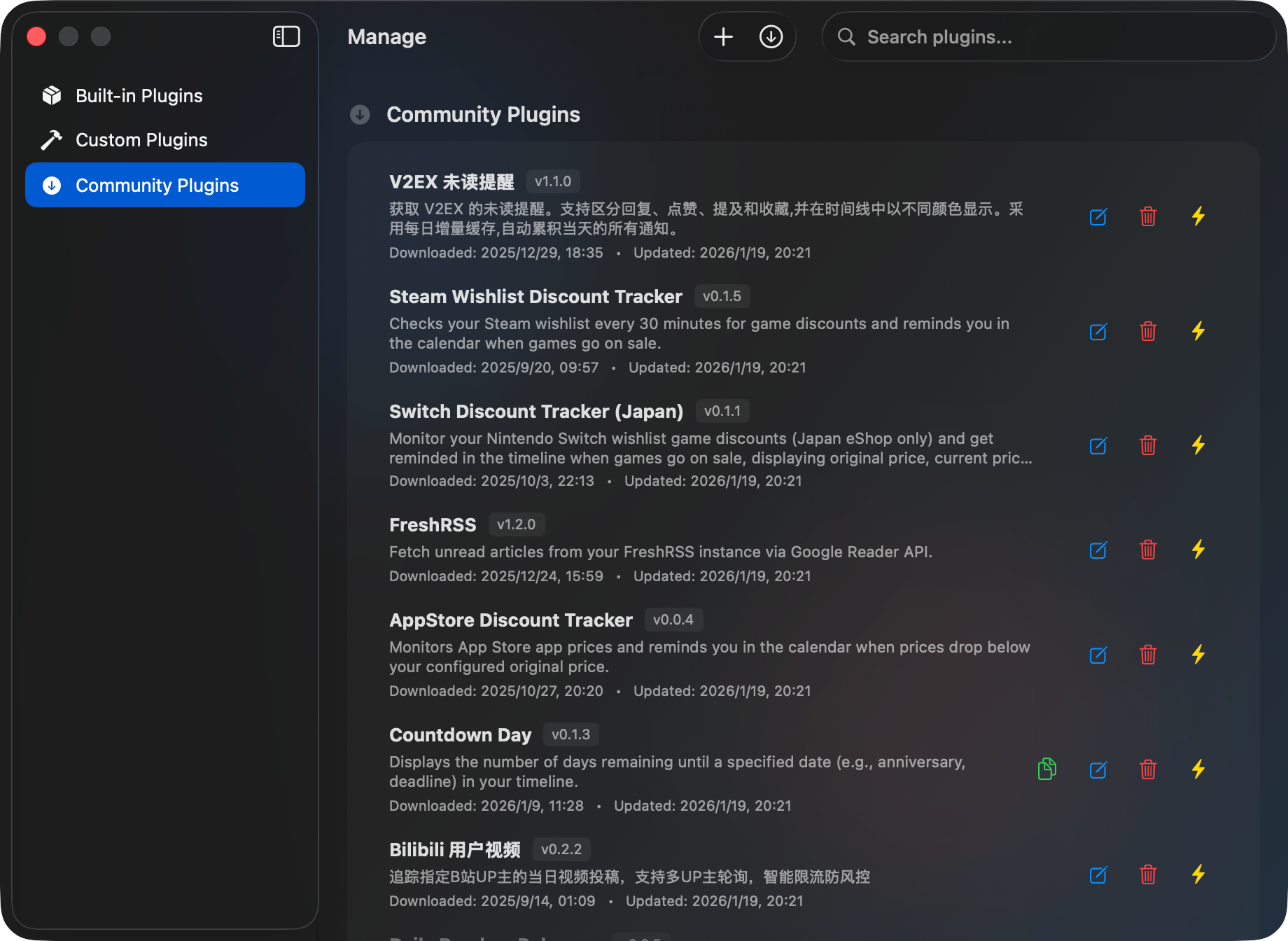
Plugin manager
The plugin list and chrome are tightened so browsing and managing extensions matches the rest of the system.
Before
After
Rules
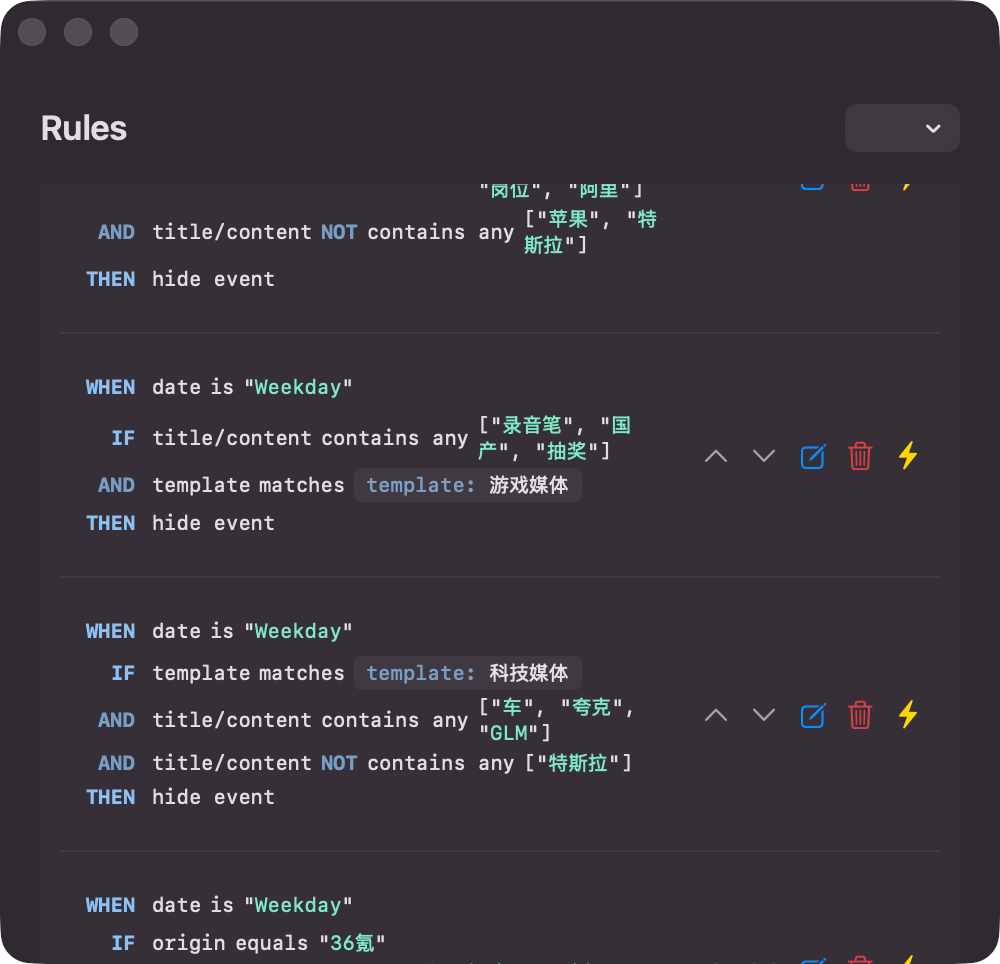
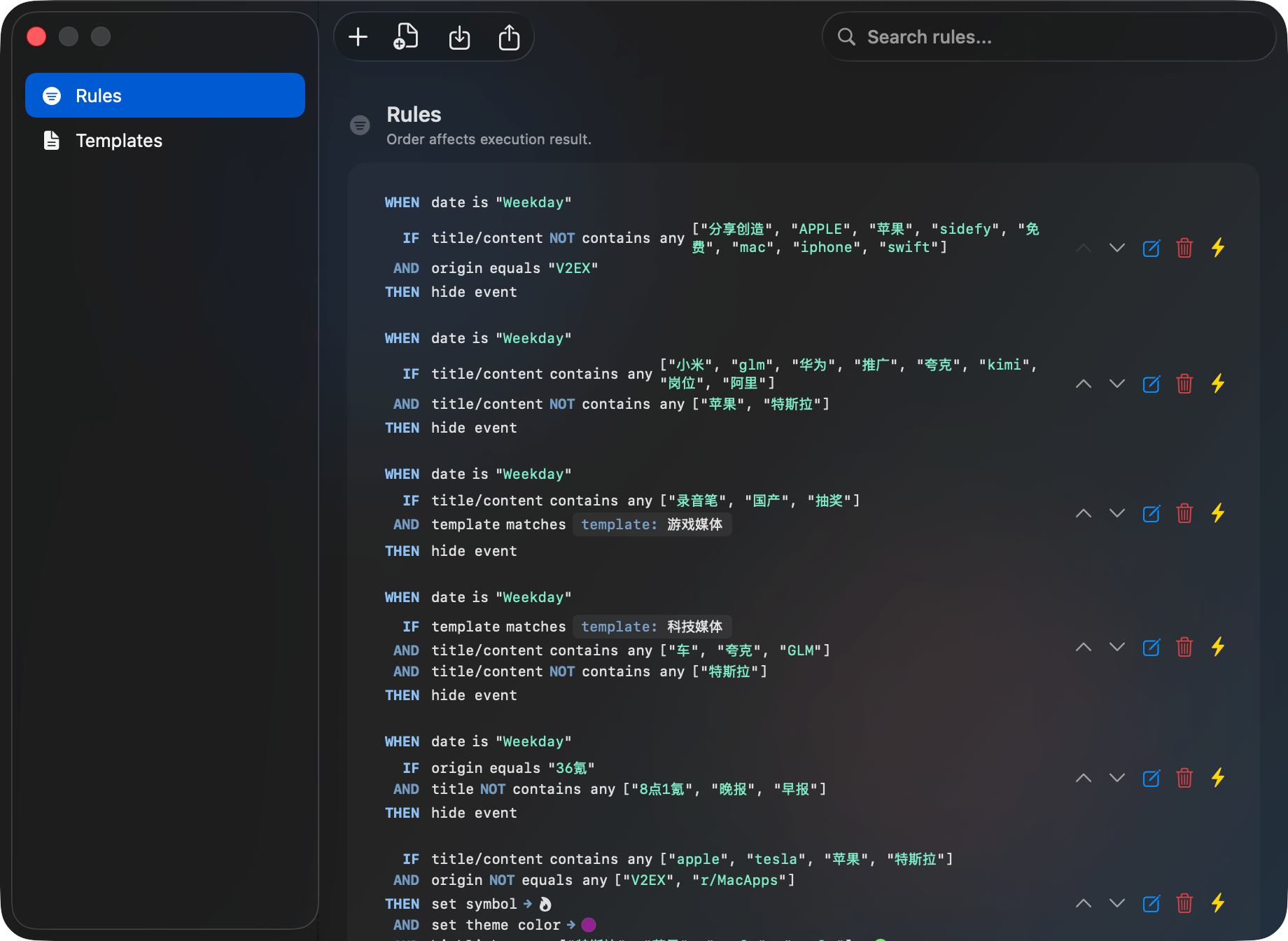
Rule editing keeps the same power; the layout and styling are updated for consistency with the new shell.
Before
After
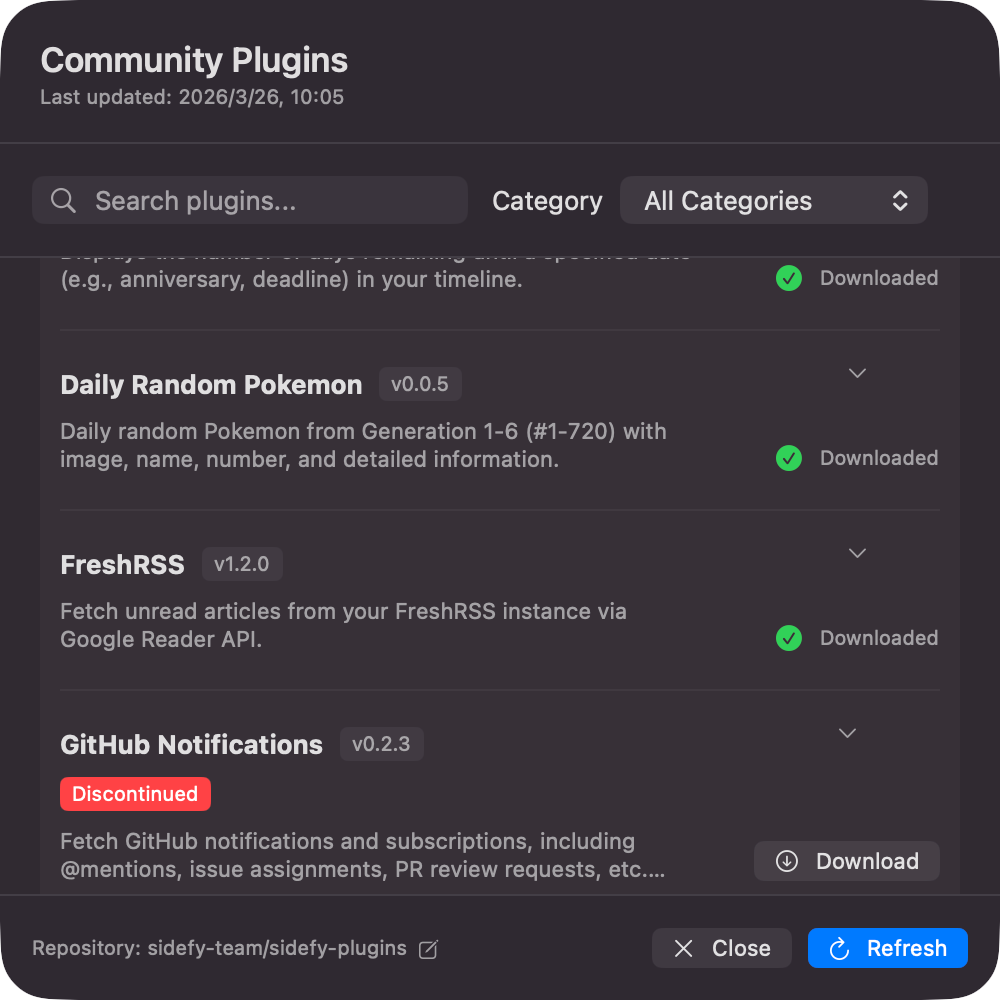
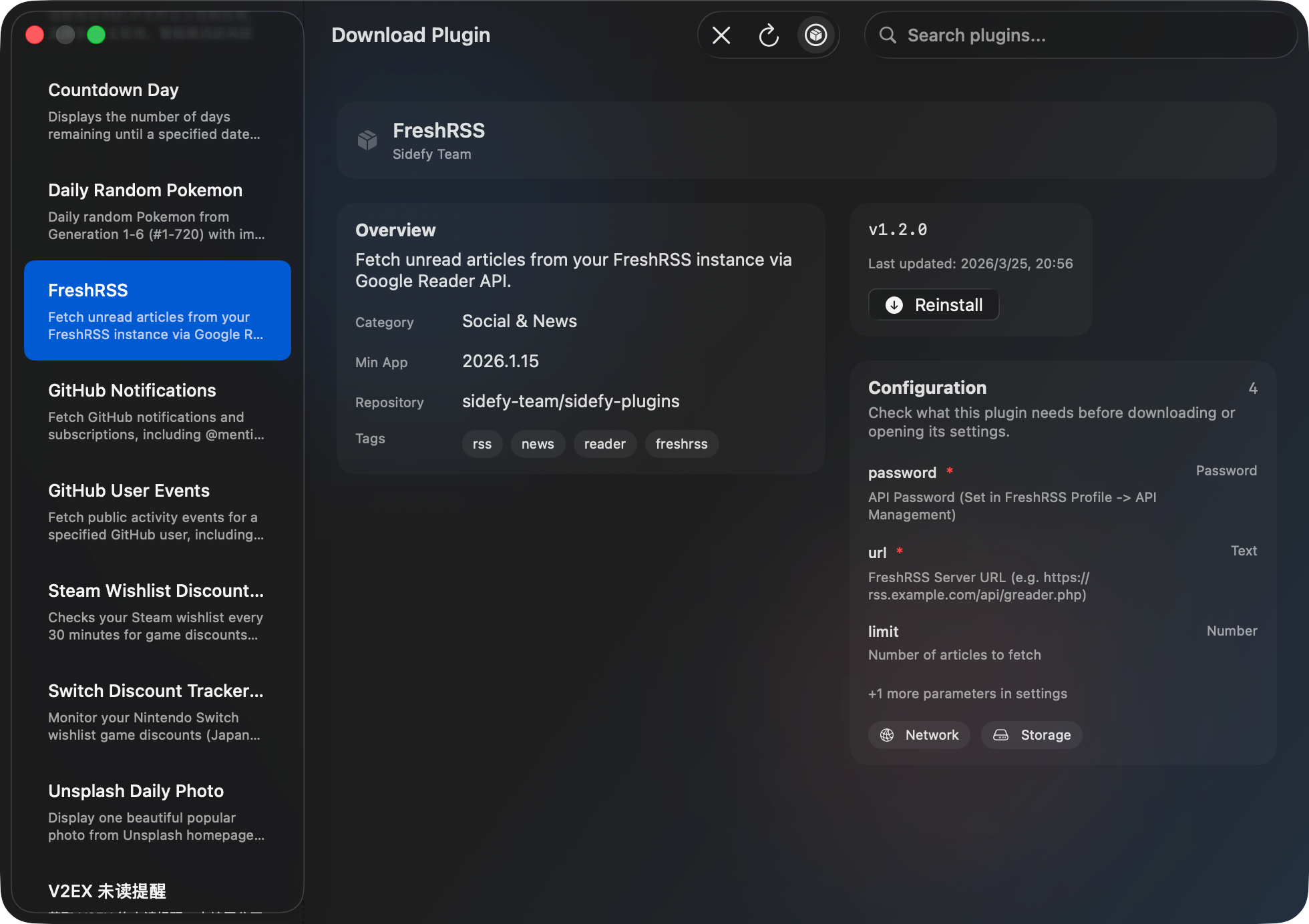
Plugin download
The download flow picks up the refreshed panels and typography so it reads clearly at a glance.
Before
After
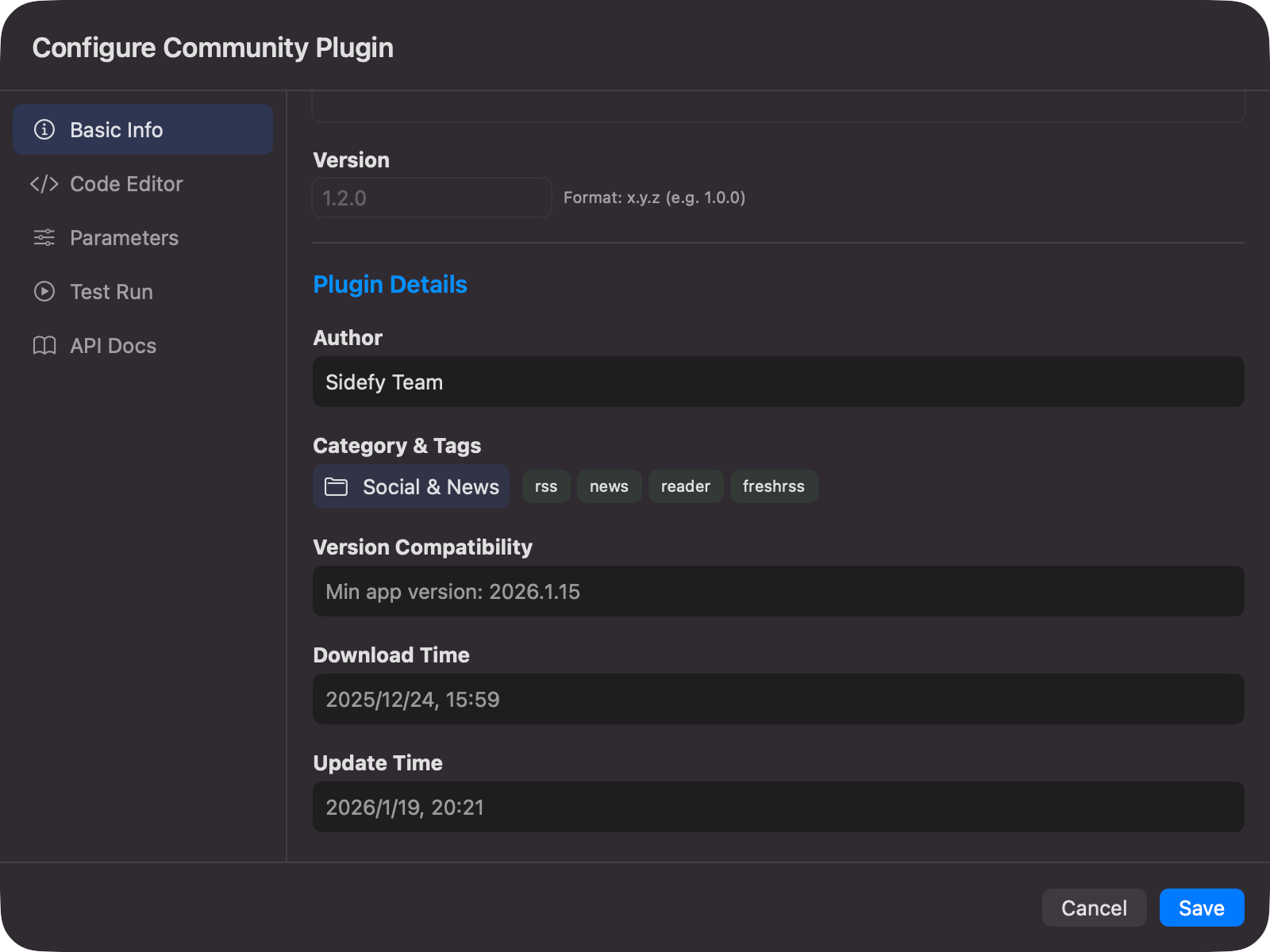
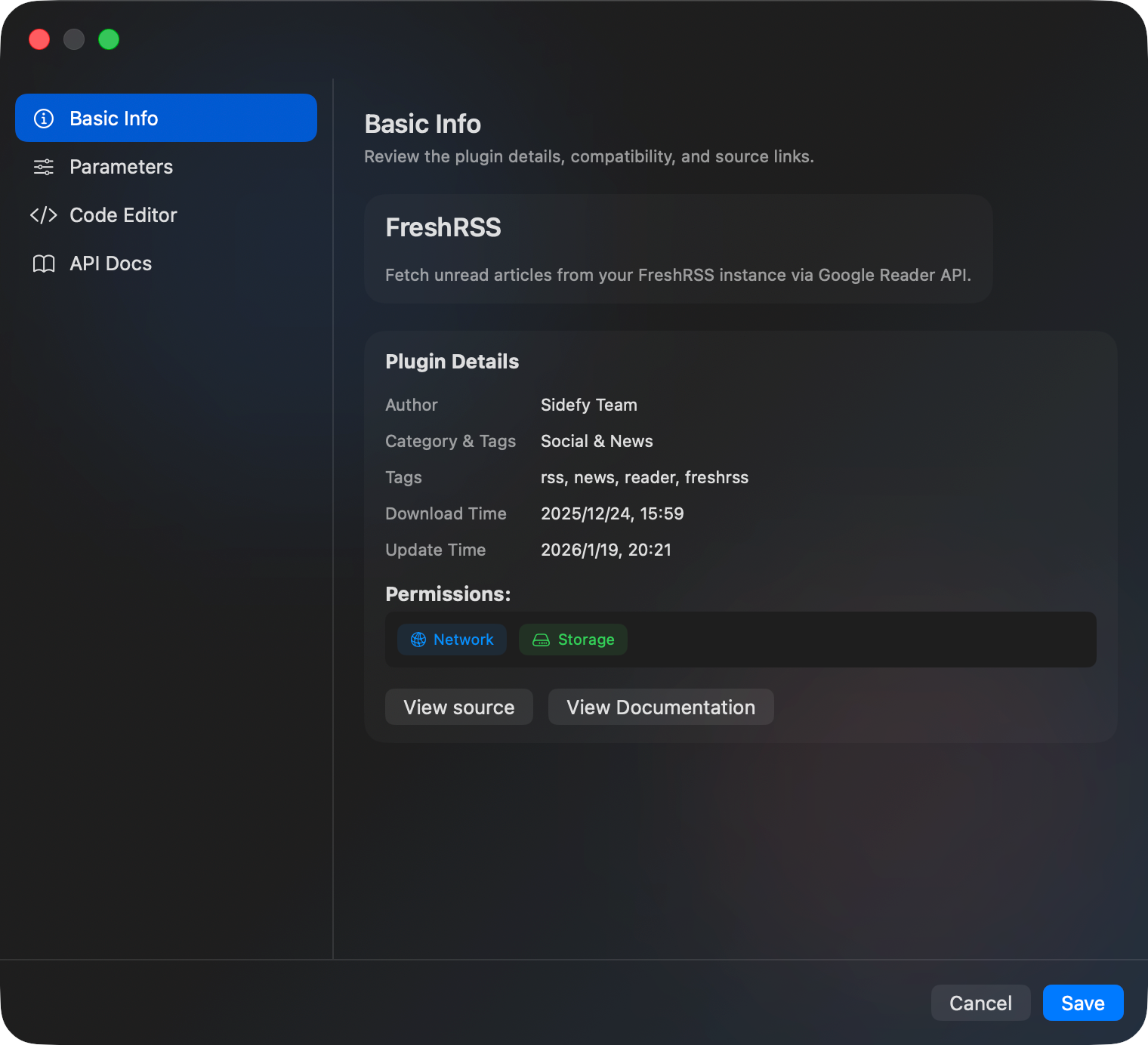
Plugin info
Detail views for individual plugins use the same treatment—spacing, grouping, and accents align with the manager and download screens.
Before
After
This update is focused on look, layout, and system fit; behavior and capabilities stay familiar. If something in the new UI helps or hurts your workflow, we’d like to hear it—feedback welcome via GitHub Issues.
These screenshots document the macOS 26 UI refresh; they are not a reference for every current control.